• The forum software have been upgraded to the latest version.

    If you notice anything that looks off, or does not work, please let us know.

    For more information, click here.

Blog Canas' armies

A chaos space marine, my first proper 40K model (the various deamons don't really count seeing as they can be used in both AoS and 40k) Minor sidenote, does anyone know if I happenend to pick a colour scheme that fits with any chapter?
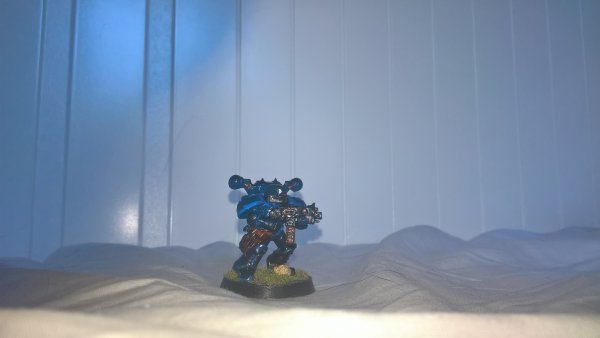
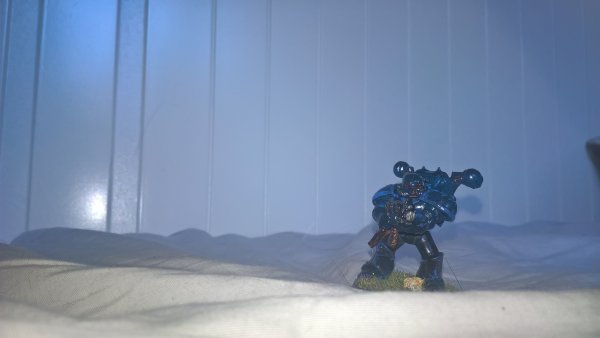
WP_20180722_08_45_57_Pro.jpg WP_20180722_08_46_20_Pro.jpg


And here we can see our brave lil space marine getting ready for a battle with a greater daemon in order to become a daemon prince.
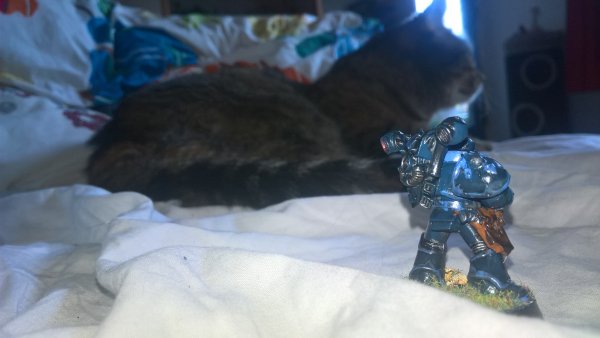
WP_20180722_08_46_52_Pro.jpg
 
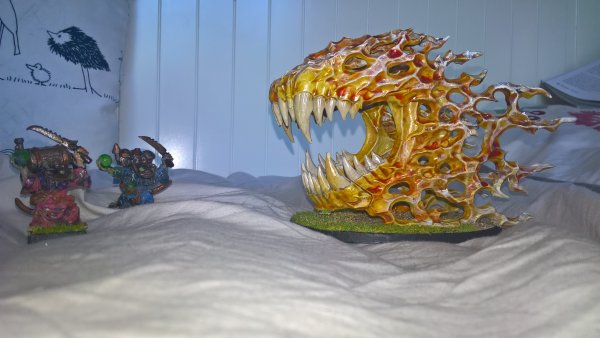
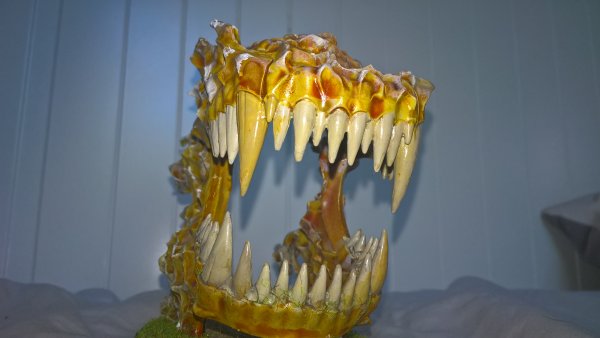
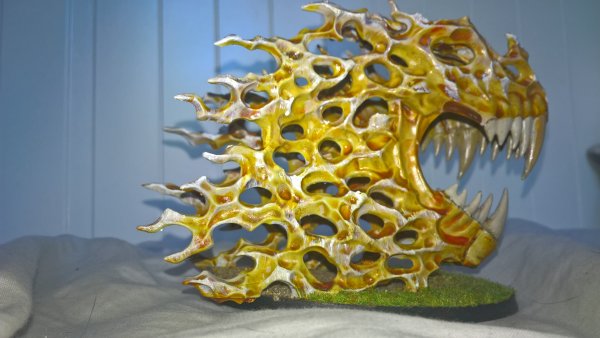
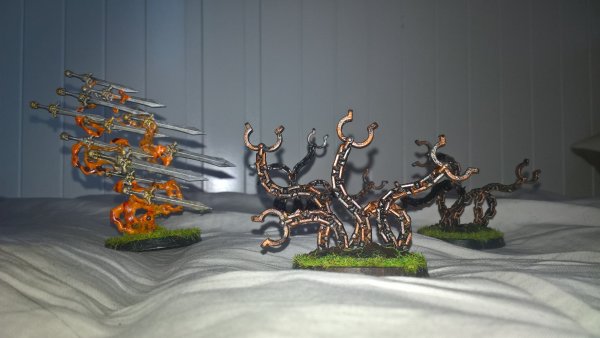
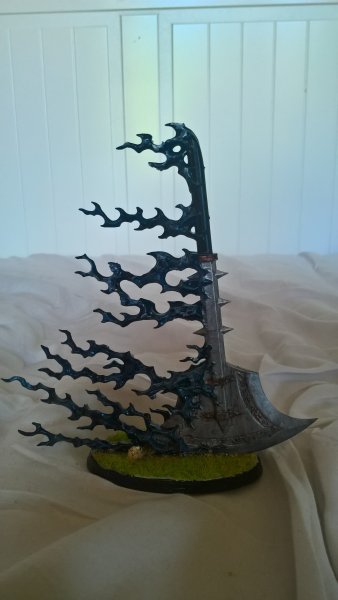
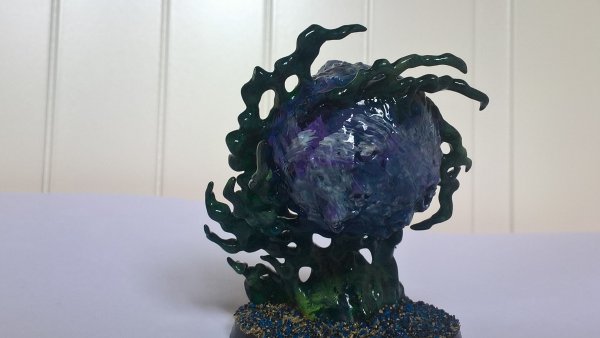
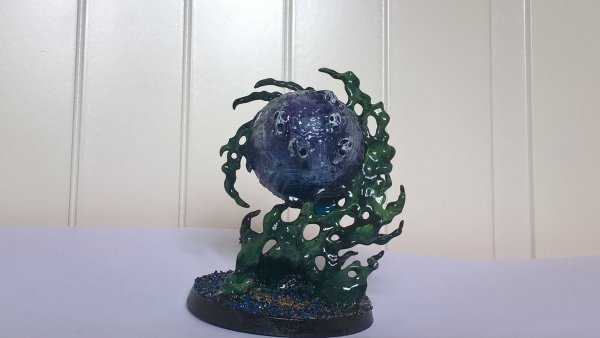
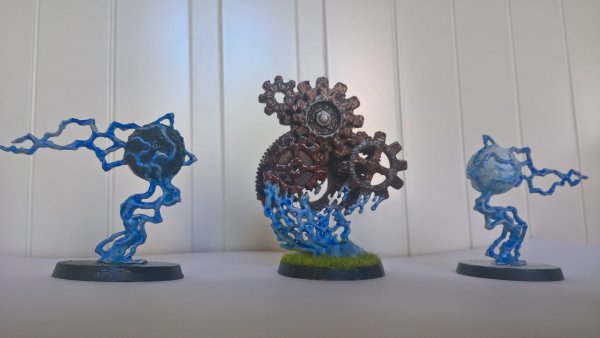
More endless spells. They are nice to practise various techniques on. Though given how different each is they're kind of a pain to paint. Can't do anything in batches but it's still a box with some 20-ish models.

WP_20180804_16_14_07_Pro.jpg
 
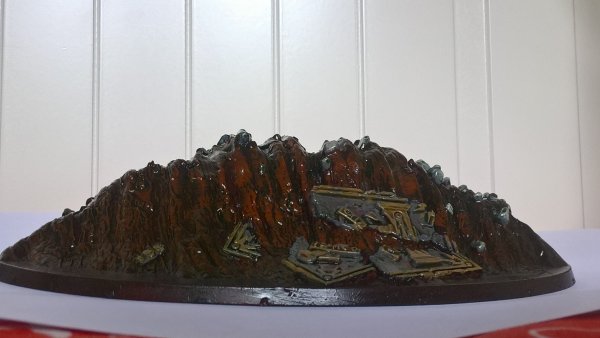
At least they're nice practise for drybrushing, they're much rougher than usual so it's far easier to do .

Also it's one of the first books I've seen that comes with, some limited, instructions on how to actually paint the damn things which is nice.
 
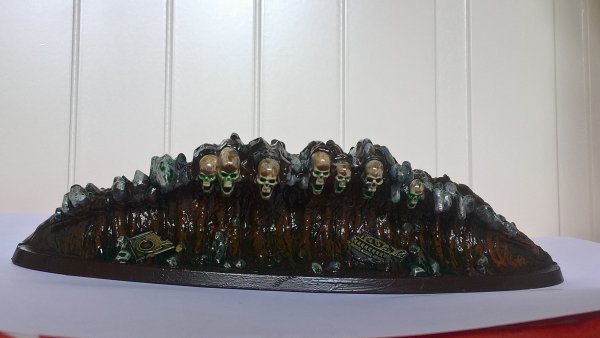
wp_20180825_16_01_18_pro-jpg.46480
That turned out really well. I like that!
 
I think the red coloured plastic of the gravetide helps a lot with making the earth. It kept shining through regardless of how much paint I put on and the red tint makes it look far more like actual earth I think.
 
I think you went a bit heavy with the gloss, but the shades look pretty good.
 
Mwha, I like the gloss for most spells, it fits with the magical energy and such. Though I need to find a way to apply the varnish to only parts of the model. The metal wheels shouldn't be as shiny.

Also, my camera makes em look shinier usually so it's probably that pushing it over the edge.

Sidenote, how are you supposed to keep the shading from dripping down into lower recesses like for example with the time turner. Any shading that's put on the wheels wants to drip down onto the everything below it and since it's so thing masking tape doesn't really stop it. Is there any trick for that?
 
Working slow and with very thin layers.
Also using a soft brush so you don't splatter around with shade (happened to me recently. Man was I angry.)
 
Shade will follow gravity so sometimes I will shade and then turn the model the other way up so shade runs away from an area.
 
Issue with turning it upside down is that it doesn't necesarly turn into logical shading then as it ends up running out of the recesses and onto a bulge due to the gravity. it's quite annoying for some models.
 
I do a combination of what @Aginor and @Crowsfoot wrote... using multiple layers of wash/shade (sometimes with detail brush to only hit the recess... for the last layer...) and then putting the model on it's side or upside down... or any angel between... what ever is appropriate.
Only thing is: sometimes you're forced to paint one side after the other, which can lead to overlapping layers on some parts of the model... but usually nothing that can't be fixed when highlighting such areas...
 
Back
Top