• The forum software have been upgraded to the latest version.

    If you notice anything that looks off, or does not work, please let us know.

    For more information, click here.

Contest February - April 2016 Visual Art Contest - WIP Thread

It seems a few Michelangelo's are discovering the technical barriers to getting their vision entered in the comp. I've probably given some technology tips early in this thread, and the are some in the Safety with Pencils thread, but here are a few more things that might help you to progress.

Image hosting software
  • You can upload images direct to L-O but there are some limitations that I haven't figured out.
  • Image hosting software is what the pros use. Photobucket is a popular example which allows you to set up a free account. I was going to recommend Imageshack, but it has just gone all passive-aggressive on me. This might be because I have a bazillion images stored there, and my thirty day trial (5 years and counting) may have expired. A bit.
  • With Imageshack, you can browse or drag and drop an image file, select an image size (I use 1024x768 for detailed stuff) and it will display a URL (eg http://imageshack.com/f/povdMEzKp) Copy this. If it gives you an option of which link type, select "direct"
  • Select the "picture" tab on L-O (beside the smiley) and paste the URL.
  • Image should display.


Got an awesome pencil sketch, but it scans too light?
  • I used this online photo editing software in the October 15 story comp. It doesn't do anything that photoshop can't but it is free and easy to use (ish)
  • Scan / photograph your sketch (if photographing you want very good light (sunlight) and the camera to be parallel to the paper surface at least 2 feet away and preferably further.)
  • Save the JPEG or PNG or whatever where you can find it.
  • Open Lunapic
  • Upload the sketch
  • Select the "adjust" drop down menu and then "exposure" on that.
  • Slide the little blue dot on the slider left about half of the way to the lowest level, then click "set exposure"
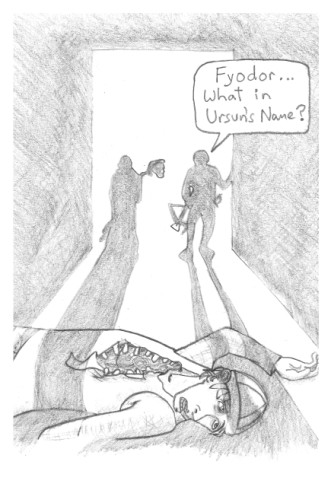
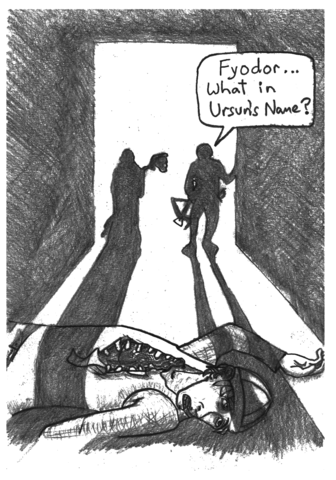
  • Here is before and after:
153249-cAo6bq.jpg
153249-LNeiet.png

  • You can obviously mess with a whole lot of other parameters, but that is all I needed.

Digital Touch Ups
  • You need to get this sucker in digital form anyway, so if there is a nagging little problem (Sigmar looks slightly cross-eyed etc) You can adjust things like that with free software.
  • Your image will usually benefit from being cropped, even a little, to get the action into a good part of the frame, and get rid of vague edge problems. The image above was drawn 20% bigger. I used Paint and cropped top and sides to give a stark, hard edge to the shadows. But I left the bottom edge organic. I wonder why? Probably didn't think about it hard enough.
  • I used MS paint for years for hiding not quite fully erased errors, colouring or compositing multiple images into one frame. The second two of those are hard work with Paint, but you can see what @Warden is doing with his WIP - the effect is very striking.
  • The disadvantage with Paint is you have only one layer. Don't like that line you added? Well deleting it will cut all the way back to white canvas. Therefore, don't delete. Use the eyedropper tool to pick up some nearby matching colour and paper over the error. With paint, you can do pixel by pixel corrections or highlights - and I still do - rarely.
  • Paint is good for doing text and speech bubbles - assuming you like writing and positioning text, overlaying a filled bubble over it, then redoing the text. Then select / cut / move to get the words centred.
  • I mostly use Sketchbook Pro (for android or apple phone and tablet) Even the free version has three layers which makes combining and rescaling multiple picture elements possible (not easy) and adding text not horrible. The $5 full version with 12 layers and other tools makes everything a snap (unless you are me and you often butt your head against the twelve layer limit.) I would still crop the final image and do speech bubbles in Paint, 'cos its easy, and the PC is my preferred uploading to L-O machine.

Are there any other technical barriers that you can't solve?
 
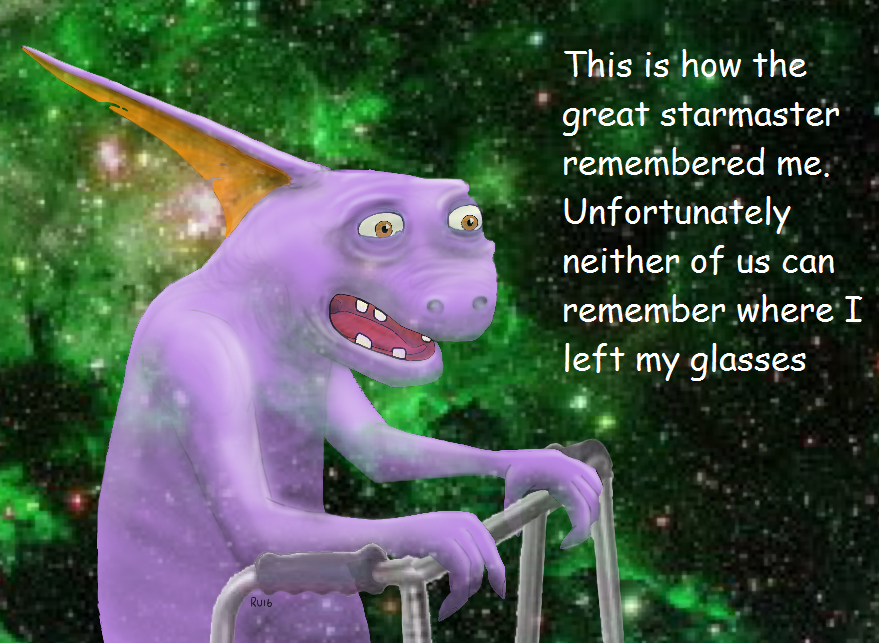
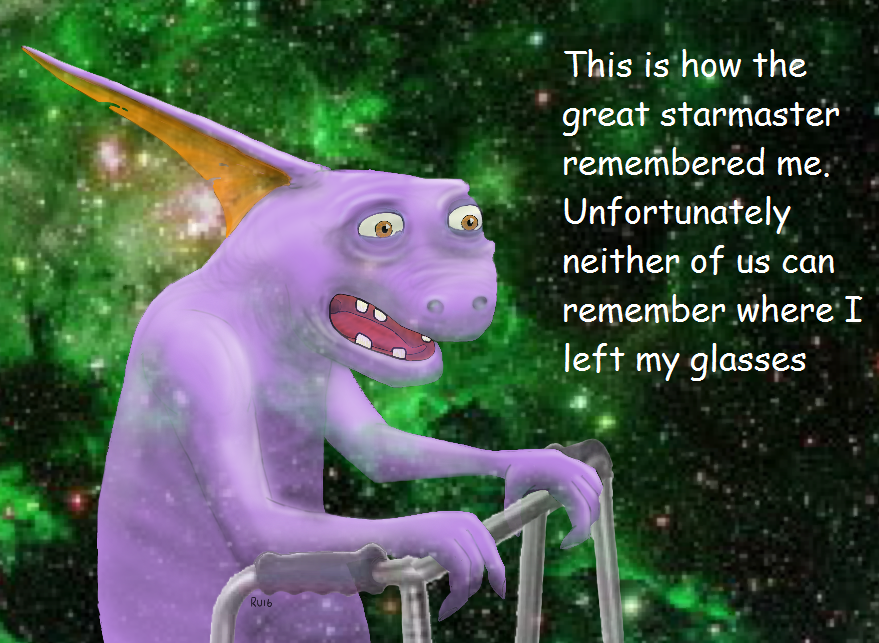
This isn't my comp entry - but I'm sure it would fit the theme.
153358-hdjsI5.png


I complained a few pages back that I didn't know how to do the techniques I needed for my planned image. I worked them out, AND worked out few other things along the way. I'll put up a step by step on how I did the test image above here.

Hey... he looks familiar, don't he?
 
This isn't my comp entry - but I'm sure it would fit the theme.

153360-hdjsI5.png


I complained a few pages back that I didn't know how to do the techniques I needed for my planned image. I worked them out, AND worked out few other things along the way. I'll put up a step by step on how I did the test image above here.

Hey... he looks familiar, don't he?

Very familiar but god knows who it is,

I've seen him before just can't place where,

Oh yeah I know who it is!

Err no it's gone..........
 
The Dark Knight surveyed the dank alley from his rooftop vantage, his midnight cape clutched across his cowl. A single phosphorous light flickered and buzzed in the foggy darkness. It had been an alley just like this where, all those years ago...

The Caped Crusader put such thoughts from his mind. In the alley below, the mafia goons looked up as they thought they caught the noise of a faint hissing. Suddenly the light smashed and died for good, with a tinkle as something small and metallic hit the ground beneath. Carved in the symbol of a bat. The goons drew their weapons in shaking hands, desperately swinging around to peer into each impenetrable corner. A man at the back suddenly vanished, without even the time to draw breath and scream. The others turned as they heard his weapon clatter on the floor, and a hail of thunderous bullets was discharged into the inky depths. As their revolvers drew blanks, suddenly the Bat-Man was upon them, a blur of moving shadow and muscle, shrugging off all blows and dispatching his opponents with terrible ease.

As the last man hit the ground, Bruce turned to the cargo box they'd been guarding. Hefting a crowbar, he began to lever off the lid. Suddenly his whole body tensed, as he felt a strange, rhythmic vibration in the ground. He dropped the crowbar and fired his grappling gun into the inky sky, vanishing from the alley as swiftly as he had come.

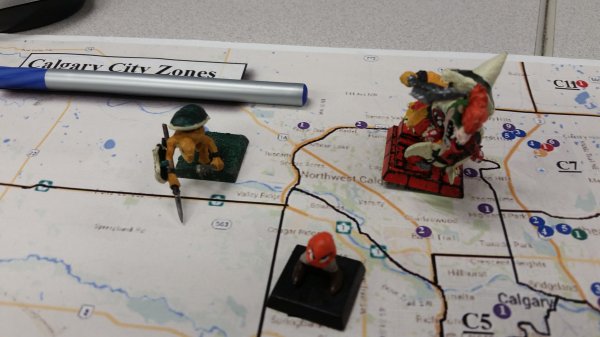
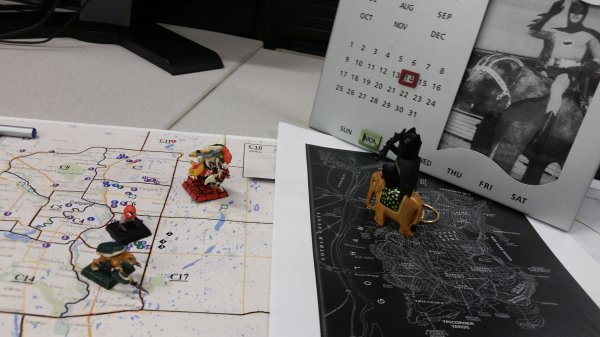
Alone again on a dizzying rooftop, the Dark Knight could see to the very edge of Gotham's sprawl. There, in the murky distance, great figures were lumbering. Their every step sent a shockwave through the city. Batman engaged his nightvision goggles and increased the magnification. The figures looked like...giant lizards? One clutched a God-sized spear and seemed to have a chunk of eggshell on his head the size of a city block. The other...was that a huge manifestation of the video game character Bowser???

They were getting closer. Soon the devastation would be terrible. This was no job for the Dark Knight. There was only one thing to do. He tapped a few buttons on his wrist interface.

"Sir?" came Alfred's familiar voice in his earpiece.

"Get me...the Justice League," breathed Bruce.

"At once, sir."

He stared out at the giant lumbering figures. The only hope was that Clark and Diana could get here in time.

A great voice seemed to echo across the cityscape. It was hard to make out, but it sounded like one of the giant figures was saying "moaaaaaar".....
 
Back
Top