Scar-Veteran
spawning of Bob
Well-Known Member
- Messages
- 2,911
- Likes Received
- 5,630
- Trophy Points
- 113
Technical Aspects 4 - Technology
It is possible to do complex art on Microsoft paint, but it is tedious going because of the lack of layers. You make an error with your fifth level of colour and deleting will cut right back to bare canvas. You realise your error was a lot earlier and undo will remove ALL of your subsequent work which was fine. Having said that, Paint is awesome for doing simple touchups (my reimaginings of the winners of the Skinkathalon, for example)
I think that mid to high end photo imaging software like Corel or Photoshop allow you to do some mouse driven art. I note that @Hyperborean uses something called "Paint Tool SAI" to do her very dramatically posed gems. The big plus here is the ability to do several layers - each better than the last, or each adding something - another element, colours, textures, shading etc.
I know the pros use computer mouse, or a drawing pad and stylus way off to one side of the screen. I suck at that. If I can't visually guide my hand I can't draw straight lines or get things to connect. Fine erasing turns into swiss cheese.
Pre October 2014 my use of computer on drawings was limited to touching up pencil sketches and sometimes compositing existing images in different ways. Aside from smoothing errors or removing eraser lines the most useful thing for me was the ability to redraw eyes. Eyelines are important. The viewer needs to know what the character can see and not see in order to understand what they are reacting too, and eyes are the most important conveyors of emotion (followed by mouth, posture and hands) Sometimes I would just add highlights to the eyes, but it amazing how much more lively an image is with that simple addition.
Compare these:
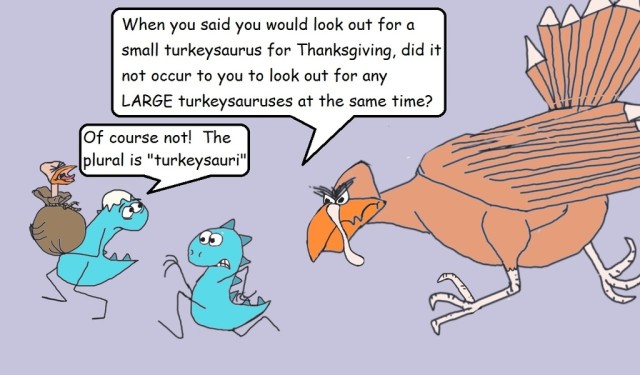
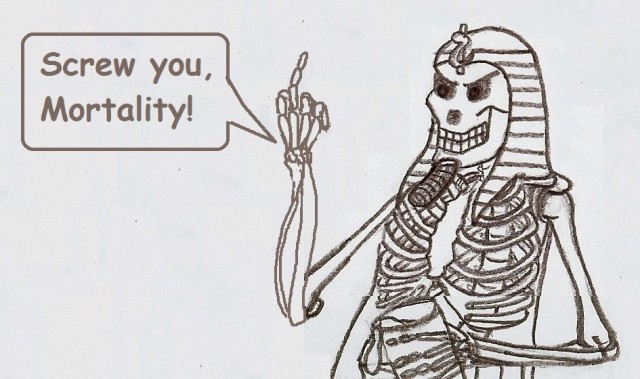
This is a rare example of me doing freehand with the mouse in paint. (the rude arm)
I did do large areas of colouring on paint when I absolutely needed to, and in the image below I also duplicated, stretched and composited a LOT of skulls. I pencil drew a section of skulls about 2 inches by five and just repeated myself. The transition between every block of skulls was done by hand (mouse). It actually holds up to scrutiny pretty well, but it was hard work.
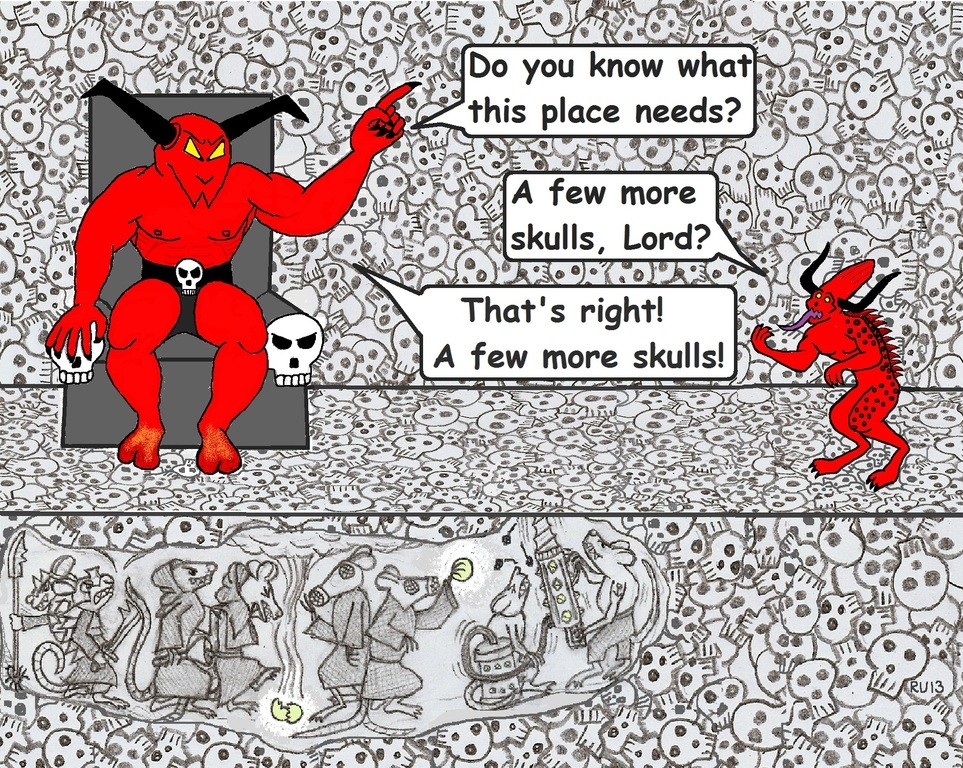
Compositing skulls, the Chaos Bunny, Bloodletter, rats and skull involved a lot of cut and paste between five or more open Paint documents.
These days I would just compose each element as a separate layer in one image and be able to freely manipulate and colour each one. 40 minutes tops.
Having said all of that, I still use Paint for almost every image because cropping to final size and adding dialogue bubbles is quick and easy on Paint, and I need to use the PC to upload and post things anyway.
TL;DR - basic, free software can be used to enhance freehand drawings. More complex image manipulation can be done on these but it ain't easy.
It is possible to do complex art on Microsoft paint, but it is tedious going because of the lack of layers. You make an error with your fifth level of colour and deleting will cut right back to bare canvas. You realise your error was a lot earlier and undo will remove ALL of your subsequent work which was fine. Having said that, Paint is awesome for doing simple touchups (my reimaginings of the winners of the Skinkathalon, for example)
I think that mid to high end photo imaging software like Corel or Photoshop allow you to do some mouse driven art. I note that @Hyperborean uses something called "Paint Tool SAI" to do her very dramatically posed gems. The big plus here is the ability to do several layers - each better than the last, or each adding something - another element, colours, textures, shading etc.
I know the pros use computer mouse, or a drawing pad and stylus way off to one side of the screen. I suck at that. If I can't visually guide my hand I can't draw straight lines or get things to connect. Fine erasing turns into swiss cheese.
Pre October 2014 my use of computer on drawings was limited to touching up pencil sketches and sometimes compositing existing images in different ways. Aside from smoothing errors or removing eraser lines the most useful thing for me was the ability to redraw eyes. Eyelines are important. The viewer needs to know what the character can see and not see in order to understand what they are reacting too, and eyes are the most important conveyors of emotion (followed by mouth, posture and hands) Sometimes I would just add highlights to the eyes, but it amazing how much more lively an image is with that simple addition.
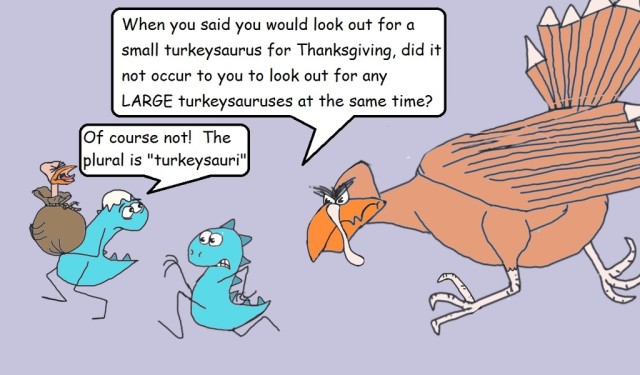
Compare these:
This is a rare example of me doing freehand with the mouse in paint. (the rude arm)
I did do large areas of colouring on paint when I absolutely needed to, and in the image below I also duplicated, stretched and composited a LOT of skulls. I pencil drew a section of skulls about 2 inches by five and just repeated myself. The transition between every block of skulls was done by hand (mouse). It actually holds up to scrutiny pretty well, but it was hard work.
Compositing skulls, the Chaos Bunny, Bloodletter, rats and skull involved a lot of cut and paste between five or more open Paint documents.
These days I would just compose each element as a separate layer in one image and be able to freely manipulate and colour each one. 40 minutes tops.
Having said all of that, I still use Paint for almost every image because cropping to final size and adding dialogue bubbles is quick and easy on Paint, and I need to use the PC to upload and post things anyway.
TL;DR - basic, free software can be used to enhance freehand drawings. More complex image manipulation can be done on these but it ain't easy.
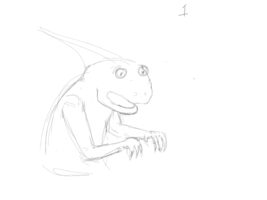
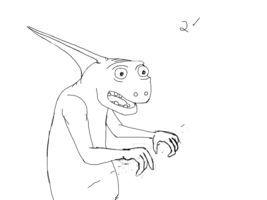
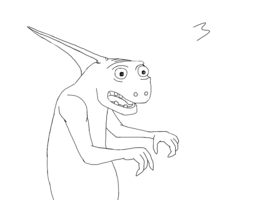
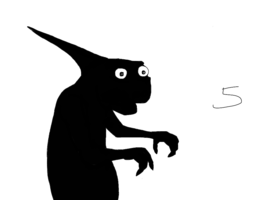
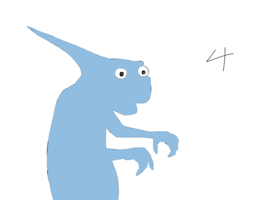
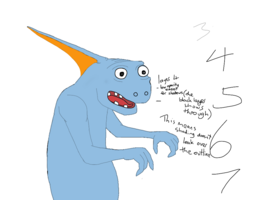
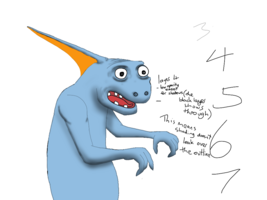
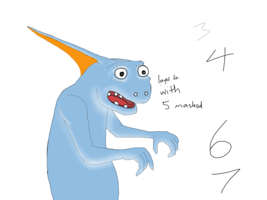
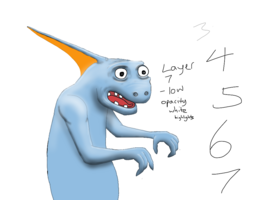
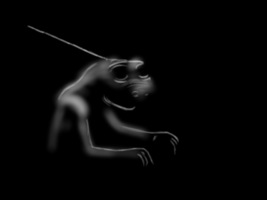
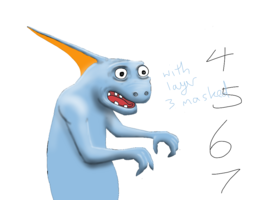
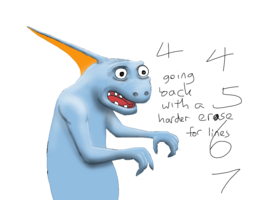
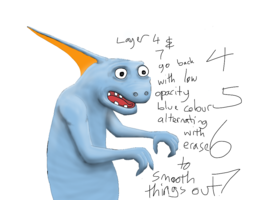
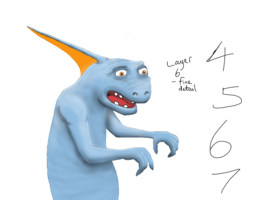
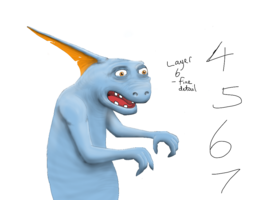
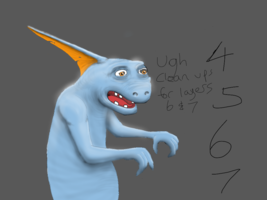
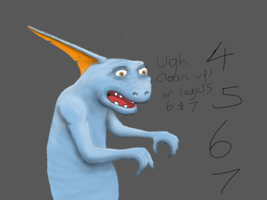
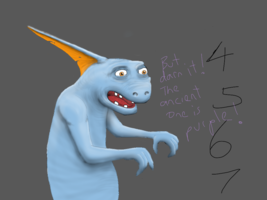
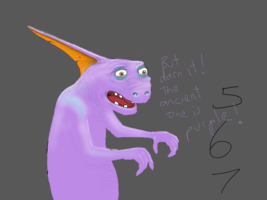
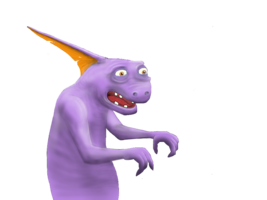
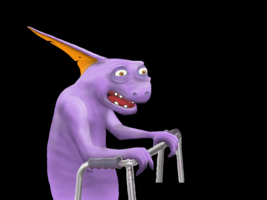
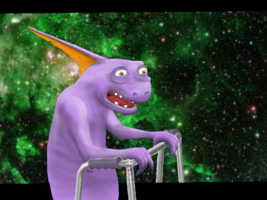
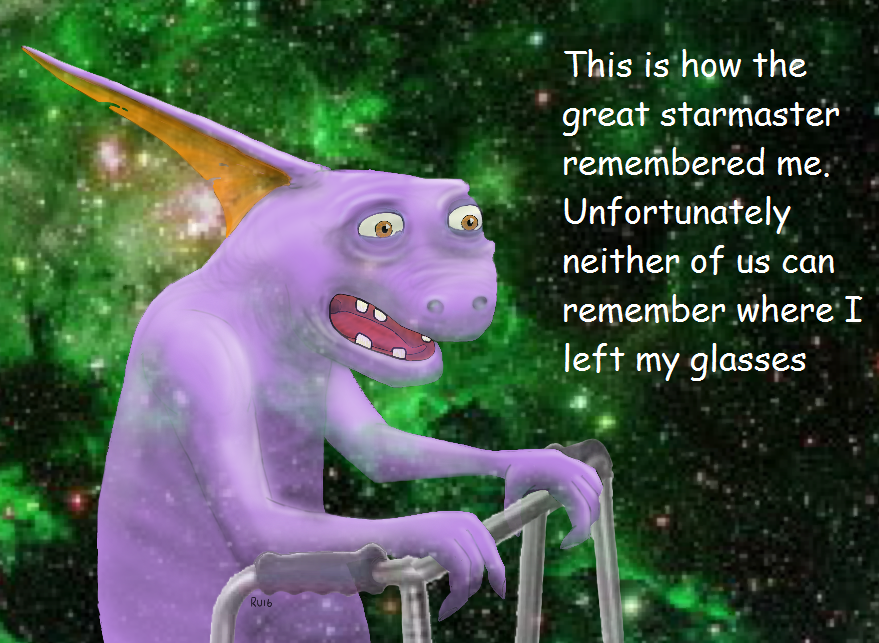
 Everywhere except the crest and facial features section. Out came the spray can of erase and a few minutes later here is the finished product. Caption inspiration from Wife of Bob.